AI Image Variations
One photo in, a consistent set out — new takes, angles and micro-variations without writing a single prompt.
20 free credits · Credits never expire
0
Prompts Needed
4
Variations / Run
~12s
Avg. Time
4.8/5
User Rating
Last updated: March 2026 · By the Pixogen Team
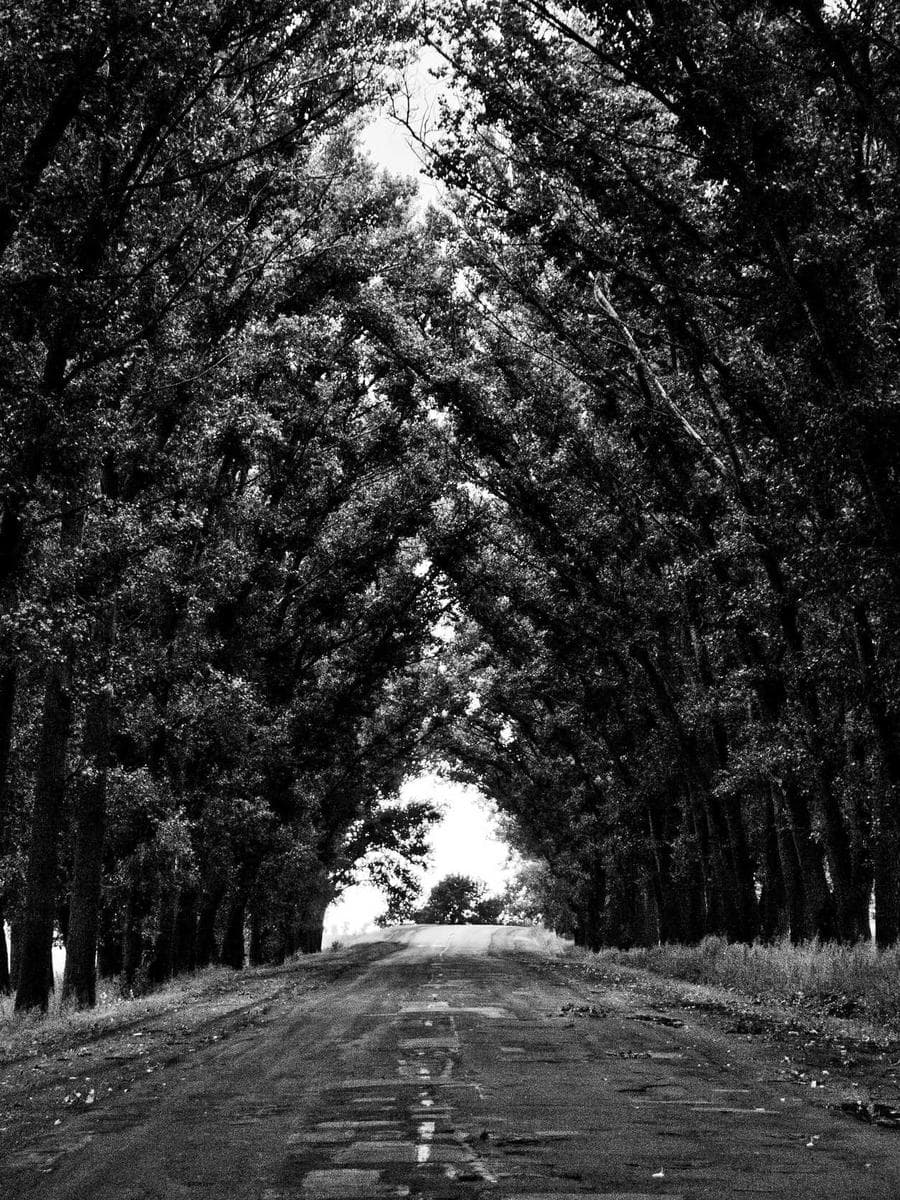
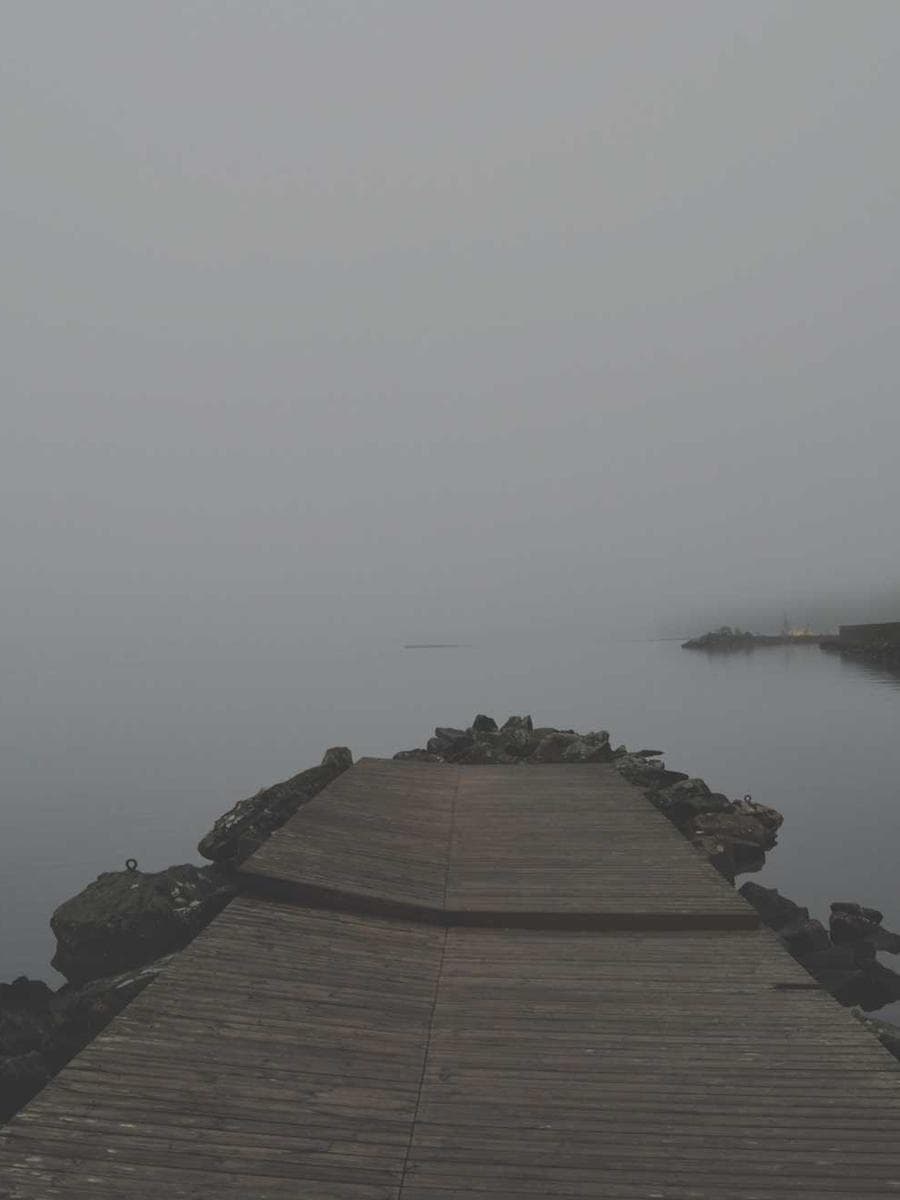
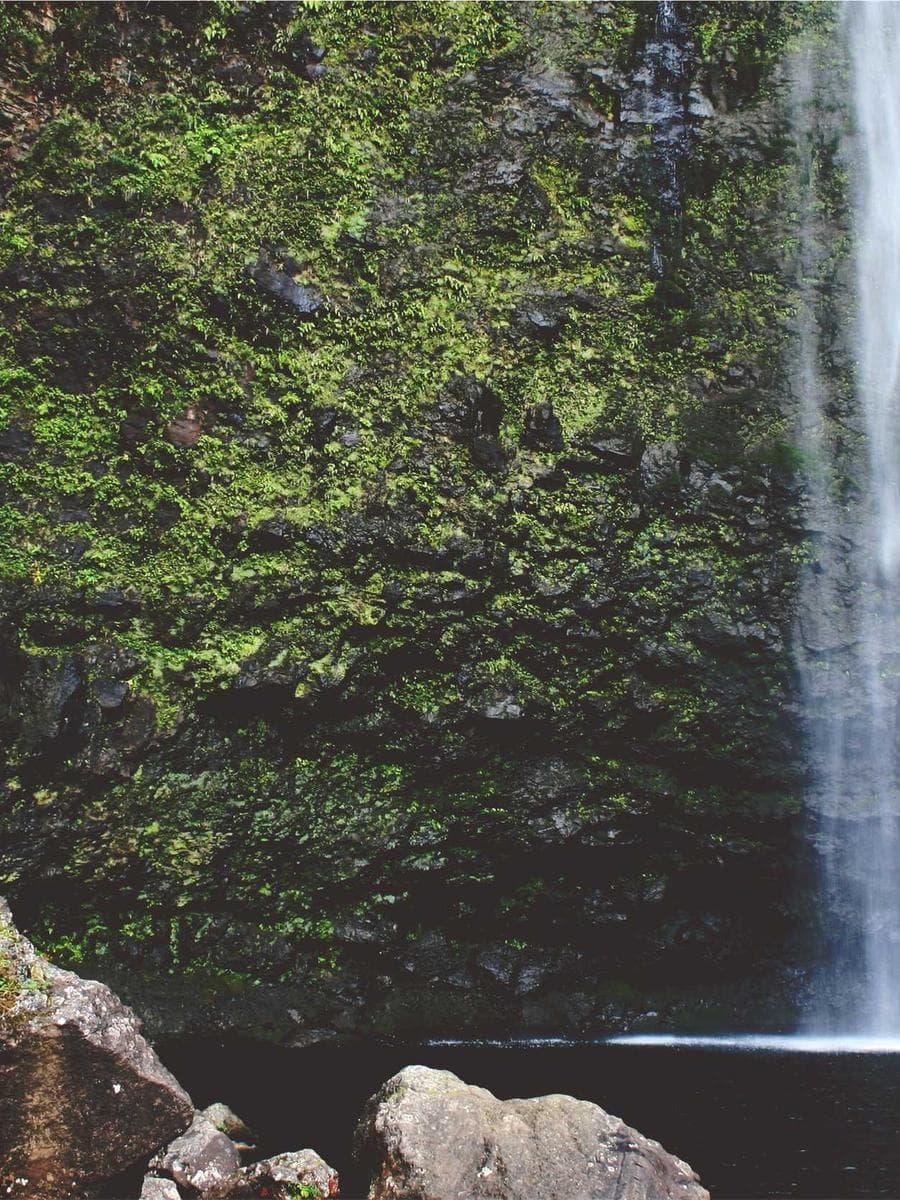
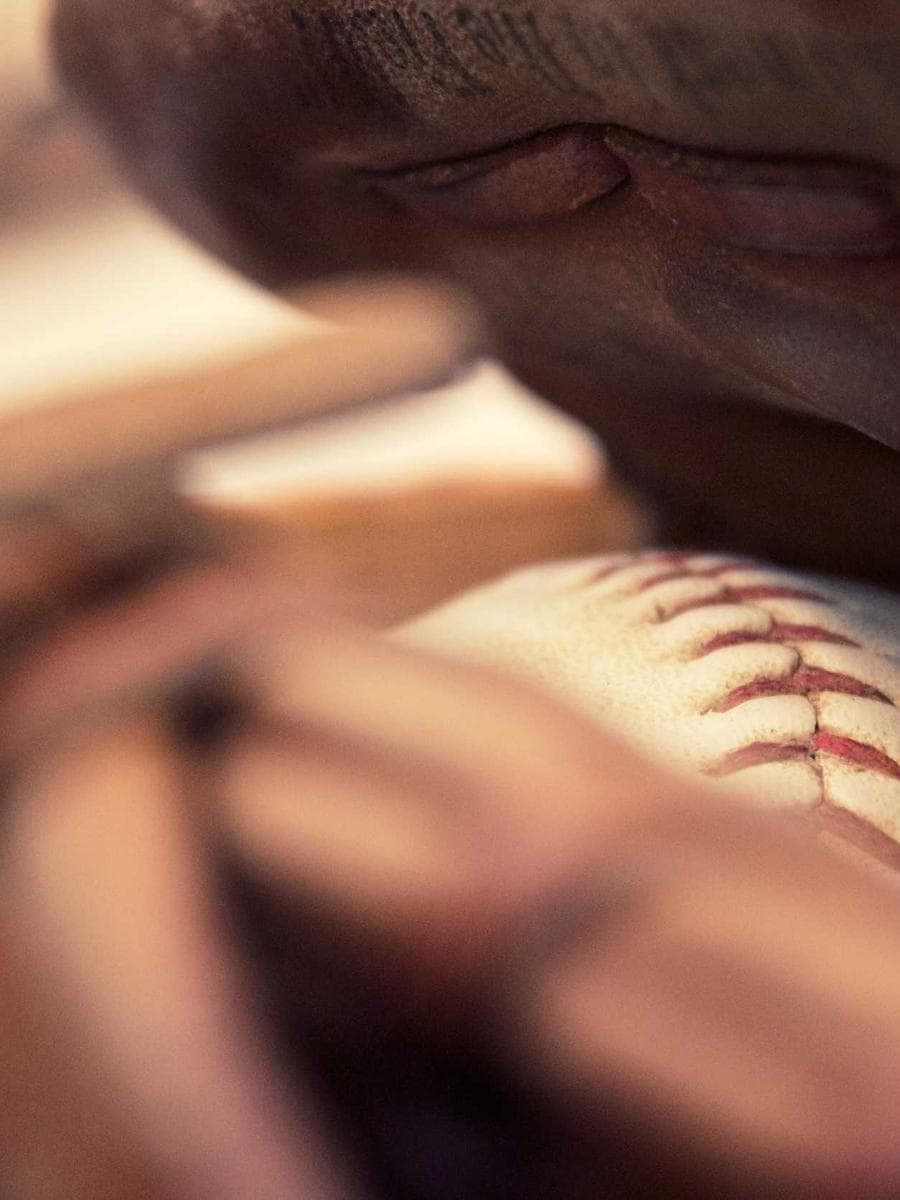
What are AI image variations?
AI image variations are new versions of an existing image that keep its subject and style while changing details like angle, pose or framing.
It's the fastest way to scale one great shot into a full content set: subtle mode nudges the frame, strong mode explores bolder alternatives — all without prompt engineering.
Step by Step
How to use the AI Image Variations
Upload one image
Your best shot seeds the whole set.
Pick the strength
Subtle, balanced or strong exploration.
Generate the set
Four takes per run, ready for your feed.
Use Cases
Who uses the AI Image Variations?
Content sets
Carousel-ready series from single images.
A/B testing
Multiple ad variants from one approved visual.
Feed consistency
Similar-but-fresh posts that match your grid.
NSFW-free scaling
Multiply any approved asset safely.
Features included
- Prompt-free operation
- Three strength levels
- Identity and style preservation
- Four outputs per run
- Chains with Upscaler for 4K sets
- Works on photos and AI outputs
Ready in seconds
No installs, no timeline software, no learning curve. Upload, configure, generate — your first result is one minute away.
Start freePeople Also Ask
Common questions, straight answers
How is variations different from re-generating?
Re-generating from a prompt produces new scenes; variations start from your finished image and preserve its composition and identity while exploring nearby alternatives.
Frequently asked questions
Ready to create?
Generate your first results with the AI Image Variations in under a minute — 20 free credits included.
Explore free — 20 credits when you create an account