Image to Video AI
Animate any still image into a cinematic clip. Describe the motion, pick a duration and export HD video ready for Reels, TikTok and Shorts.
20 free credits · Credits never expire
~60s
Render Time
1080p
Max Resolution
10s
Max Duration
4.8/5
User Rating
Last updated: March 2026 · By the Pixogen Team
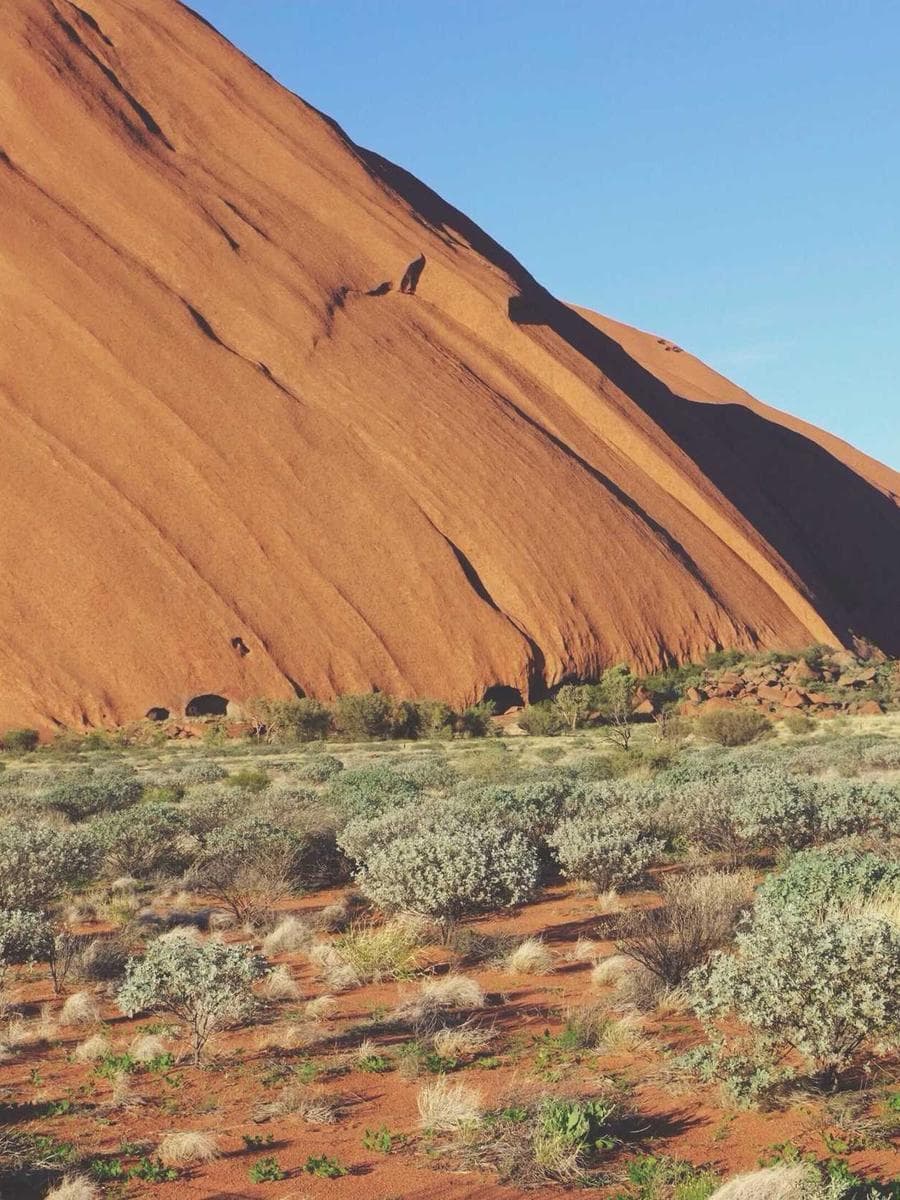
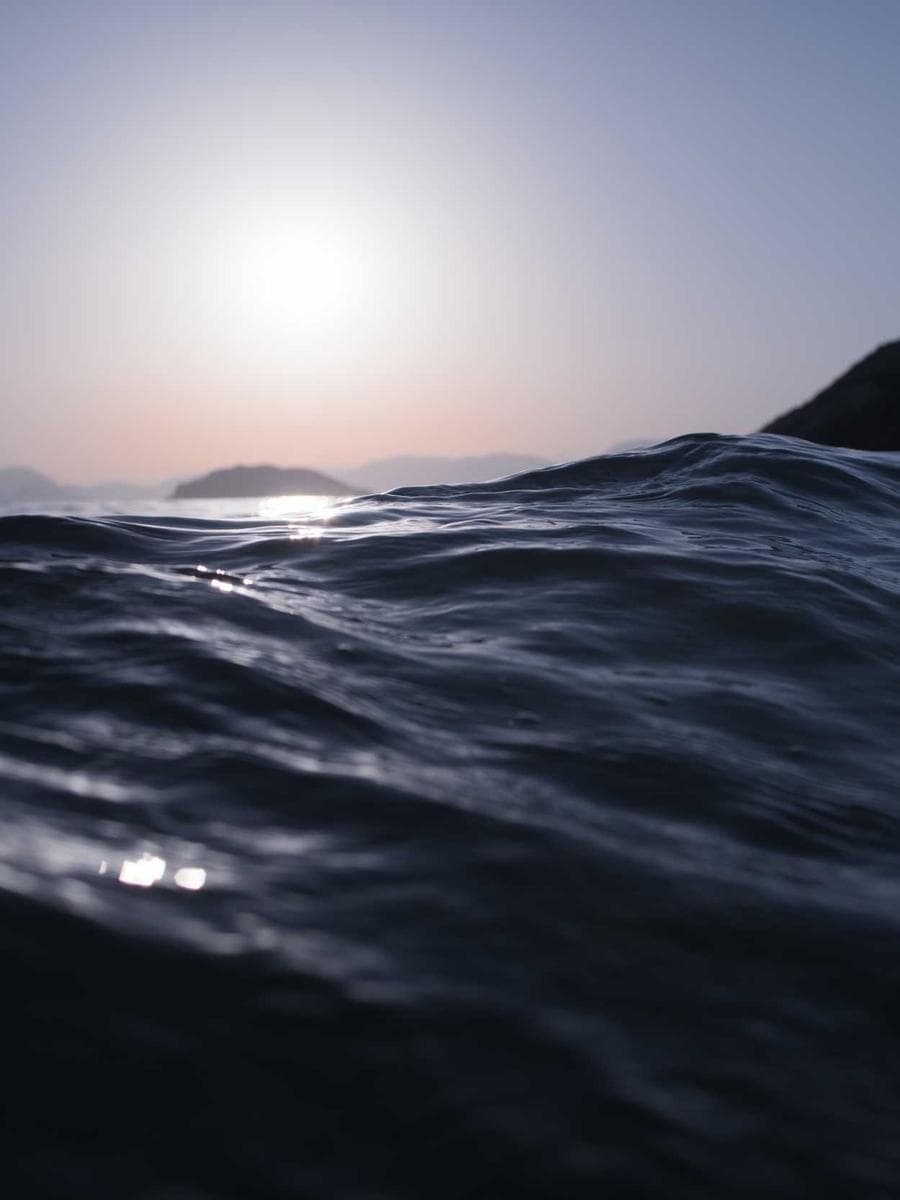
What is image-to-video AI?
Image-to-video AI animates a single still photo into moving footage by predicting realistic motion for the scene.
You provide the starting frame and a motion prompt; the model generates natural movement — wind in hair, camera drift, flowing fabric, atmosphere. It is the fastest way to turn an image library into engaging video content, and on Pixogen it plugs directly into upscaling and merging for finished edits.
Step by Step
How to use the Image to Video AI
Upload the still
Sharp, well-composed images produce the best motion.
Write a motion prompt
Describe camera movement and subject action precisely.
Set duration & resolution
5, 8 or 10 seconds at 720p or 1080p.
Generate & export
Render the clip and download it watermark-free.
Use Cases
Who uses the Image to Video AI?
Reels & Shorts
Recycle top-performing photos into fresh video posts.
Product motion
Subtle camera moves that make product stills feel premium.
Persona content
Bring AI influencer photos to life between shoots.
Mood loops
Atmospheric clips for intros, menus and backgrounds.
Features included
- Motion prompts with film-language control
- 5–10 second clips at up to 1080p
- Negative prompts to suppress artifacts
- Batch-friendly async pipeline
- Direct handoff to Upscaler and Merger
- Vertical, square and wide exports
Prompt ideas
gentle dolly-in, subject blinks and smiles, soft bokeh backgroundwind moves hair and dress, camera slowly orbits leftsteam rises from coffee cup, morning light shifts warmerslow push through crowd, subject in focus, cinematic
People Also Ask
Common questions, straight answers
How does image-to-video AI work?
A diffusion-based video model takes your image as the first frame and generates subsequent frames guided by your motion prompt, keeping the subject's identity and the scene consistent while adding realistic movement.
What makes a good motion prompt?
Name the camera move (dolly, orbit, pan), the subject action (smiles, turns, walks) and the atmosphere (wind, rain, light shift). Short, concrete phrases outperform long descriptions.
Can I make the clip longer than 10 seconds?
Generate multiple clips and combine them with the AI Video Merger — Smart Blend transitions keep motion and color consistent across cuts.
Frequently asked questions
Ready to create?
Generate your first results with the Image to Video AI in under a minute — 20 free credits included.
Explore free — 20 credits when you create an account