Lippen zum Ton, nicht zum Zufall
Ein Portrait, eine Tonspur, ein kurzer Take. Kein Deepfake einer echten Person ohne Einwilligung.
20 free credits · Credits never expire
1 photo
Is Enough
5min
Max Audio
~90s
Avg. Render
4.8/5
User Rating
Last updated: August 14, 2026 · By the Pixogen Team
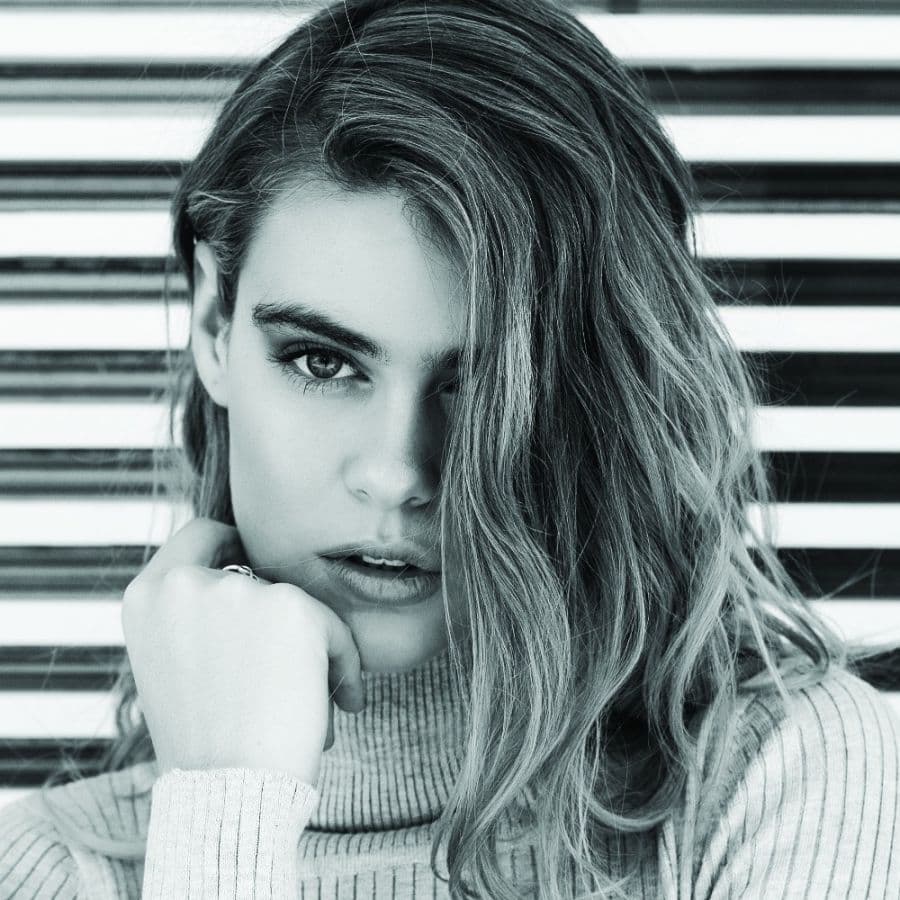

What is AI lip sync?
AI lip sync animates a face to speak any audio track by generating matching mouth shapes, expressions and head motion.
Modern talking-head models go far beyond mouth flaps: they synthesize blinks, eyebrow movement and subtle head sway that track the audio's rhythm and emotion. One clear portrait plus one audio file produces broadcast-ready talking video — the backbone of AI avatars, virtual presenters and multilingual content.
Step by Step
How to use the Lippen zum Ton, nicht zum Zufall
Upload a face
A front-facing portrait or short clip gives the cleanest sync.
Add your audio
Voice recording, TTS output or podcast excerpt — MP3 or WAV.
Pick quality
Standard for drafts, High Fidelity for publishing.
Generate
Natural lips, blinks and motion rendered automatically.
Use Cases
Who uses the Lippen zum Ton, nicht zum Zufall?
AI avatars
Give your virtual persona a voice for Reels and Shorts.
Localization
Re-voice one video into any language with synced lips.
E-learning
Presenter videos from a script without filming.
Marketing
Spokesperson clips for products and announcements.
Features included
- Photo-to-talking-video from one image
- Audio up to 5 minutes
- Natural blinks and micro-expressions
- Emotion-aware head motion
- HD export without watermark
- Works with generated faces
Ready in seconds
No installs, no timeline software, no learning curve. Upload, configure, generate — your first result is one minute away.
Start freePeople Also Ask
Common questions, straight answers
Can I lip sync a generated AI face?
Yes — generate a face with the Face Generator, then feed it to Lip Sync with your audio. This is the standard AI influencer talking-video workflow on Pixogen.
What audio quality do I need?
Clean speech without heavy background noise syncs best. 44.1kHz MP3 or WAV recordings are ideal; TTS output works excellently.
Frequently asked questions
Related tools
Ready to create?
Generate your first results with the Lippen zum Ton, nicht zum Zufall in under a minute — 20 free credits included.
Explore free — 20 credits when you create an account